

Managing multiple email accounts efficiently remains a daily challenge for many professionals and students. myMail: for Outlook & Yahoo offers a streamlined solution by centralizing various email services into a single, intuitive application. This app is particularly beneficial for individuals juggling work, academic, and personal communications, allowing them to stay organized without switching between different platforms. Its design prioritizes speed and simplicity, making it an ideal choice for anyone seeking a no-fuss email management tool.
Unified Inbox for All Accounts
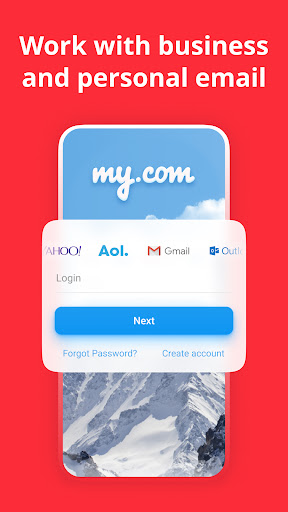
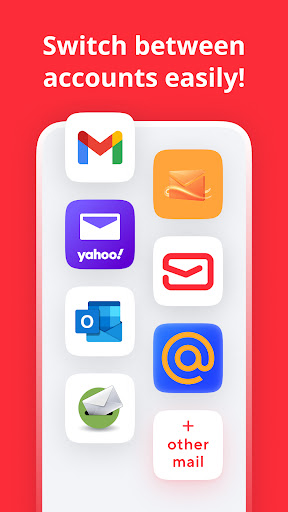
The app consolidates emails from multiple providers, including Outlook, Yahoo, Gmail, and others, into one unified inbox. This eliminates the need to open separate applications to check messages from different accounts. You can easily monitor all incoming communications from a single screen, saving valuable time and reducing app clutter. This centralized approach ensures you never miss an important email, regardless of which account it was sent to.
Lightning-Fast Push Notifications
Stay instantly informed with real-time push notifications for new emails. The app is optimized for speed, delivering alerts the moment a message arrives in your inbox. This immediate update system is crucial for time-sensitive communications and helps you respond to urgent matters promptly. You can customize these notifications on a per-account basis, ensuring you are only alerted for the messages that truly matter.
Advanced Search and Filtering
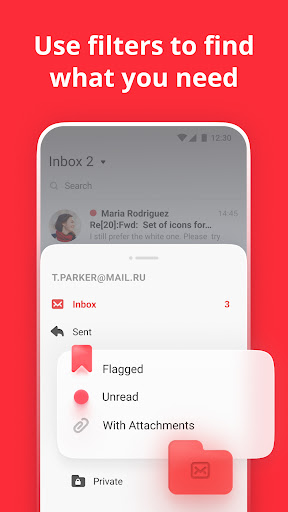
Locating specific emails is effortless with the app’s powerful search functionality. It scans through all your connected accounts to find messages, attachments, or contacts based on your search terms. The filtering options allow you to sort emails by sender, date, or subject, making it simple to navigate even the most crowded inboxes. This precision saves you from manually scrolling through thousands of old messages to find what you need.
Robust Security and Privacy
Your data security is a top priority, with the app employing strong encryption protocols to protect your email information. It supports secure authentication methods for adding accounts, ensuring your login details remain safe. The app operates without storing your passwords on its servers, giving you full control over your personal and professional correspondence. This commitment to privacy makes it a trustworthy platform for managing sensitive communications.
Customizable Swipe Gestures
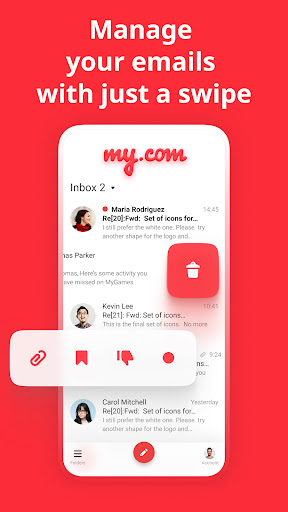
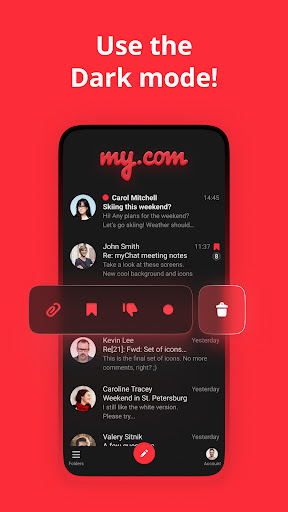
Personalize your email management with configurable swipe gestures that streamline common actions. You can set left or right swipes to archive, delete, or mark messages as read based on your preference. This tactile control makes processing a high volume of emails much faster and more intuitive. Adapting these gestures to fit your workflow can significantly enhance your daily productivity.
Seamless Multi-Device Synchronization
The app keeps your email experience consistent across all your Android devices. Any action you take, such as reading, archiving, or deleting emails, is instantly synchronized. This means you can start an email conversation on your phone and continue it seamlessly on your tablet without any disruption. It ensures your inbox state is always up-to-date, no matter which device you are using.
Frequently Asked Questions
Yes, the app uses strong encryption and secure authentication methods to protect your data. It does not store your passwords on its servers, making it a safe choice for managing professional email accounts alongside personal ones.
Absolutely, the application supports a wide range of providers including Gmail, iCloud, and AOL, among others. You can add multiple accounts from different services and manage them all through the unified inbox.
You can easily view and download attachments directly within the app. It supports common file types, allowing you to preview documents and images without needing to open another application.